
Outpost does two jobs: it screens the scams coming at you, and it watches the network you live on. Some of it works while you do nothing; the rest is there the moment something feels off. None of your network data ever leaves your iPhone — no account, no ad tracking, nothing sold.
A look inside
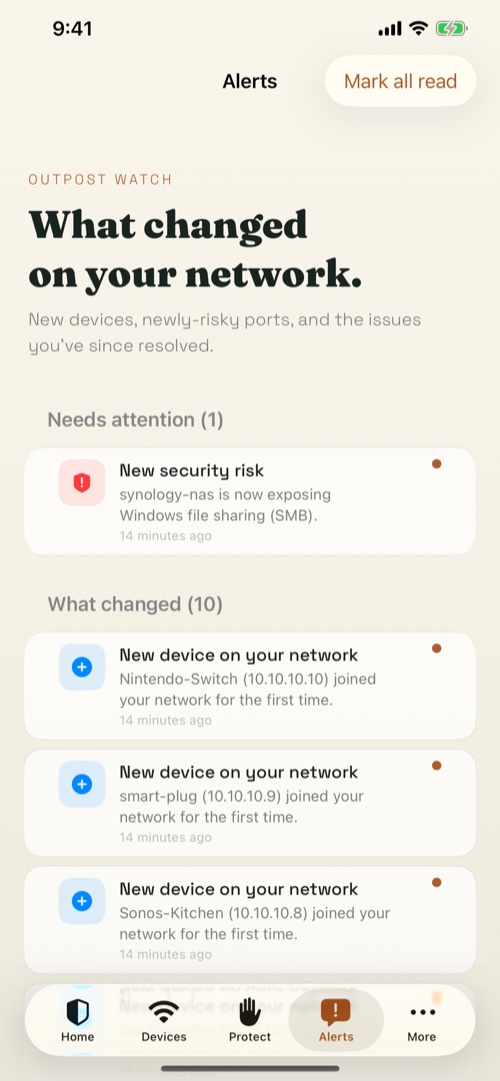
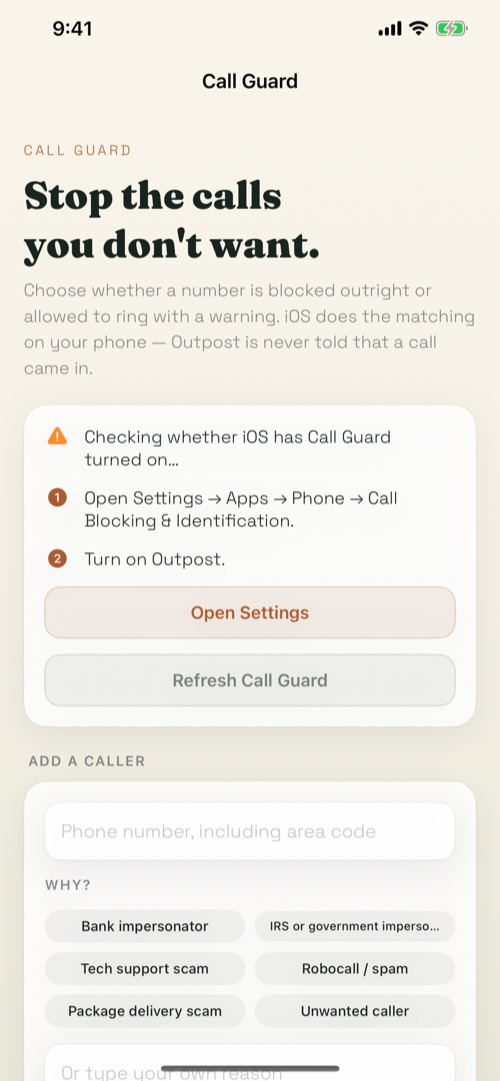
What it does
Junk texts, filtered
Turn on message filtering and scam texts from unknown senders get sorted out of your inbox before you read them. Nothing is deleted — it just stops reaching you.
Check anything that feels off
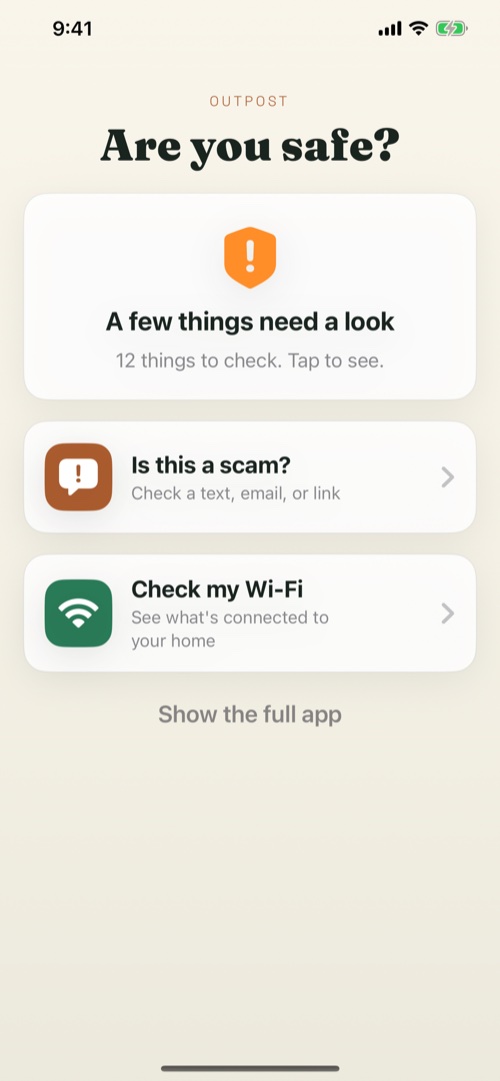
Paste a suspicious text, add a screenshot, or hand over a voicemail — Outpost tells you whether it's a scam, why, and what to do. Or ask Siri: "Check this with Outpost."
See your whole network
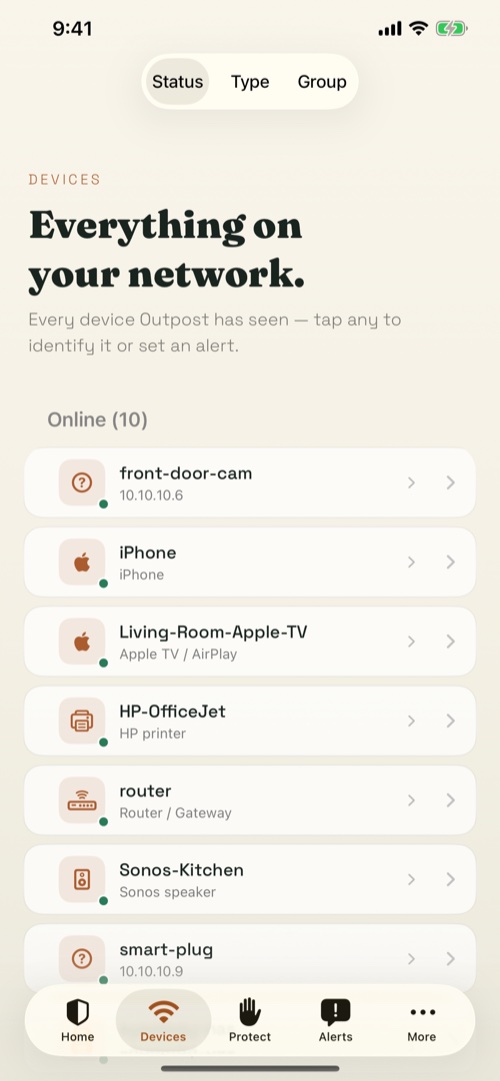
Run a scan and Outpost finds every device on your Wi-Fi in plain English, including ones you don't recognize, and what each one exposes.
One security score
A 0–100 score that climbs as your network gets safer, with what's exposed to the internet and step-by-step router fixes.
Safe checks
Check a link before you tap it, or whether a password has leaked — without opening the link or sending the password.
Built for family
Simple Mode is three big buttons for a parent; Guardian lets you watch a loved one's protection without taking over.
Pricing
Free
$0
- On-device junk-text filtering
- Unlimited network scans, never rate-limited
- Every device identified, with open ports
- 0–100 security score & router fixes
- Link checks, password-leak checks, speed test
Outpost Pro
$4.99 / mo
or $29.99 / year
- Deep scam analysis with live threat data
- Block or label unwanted callers
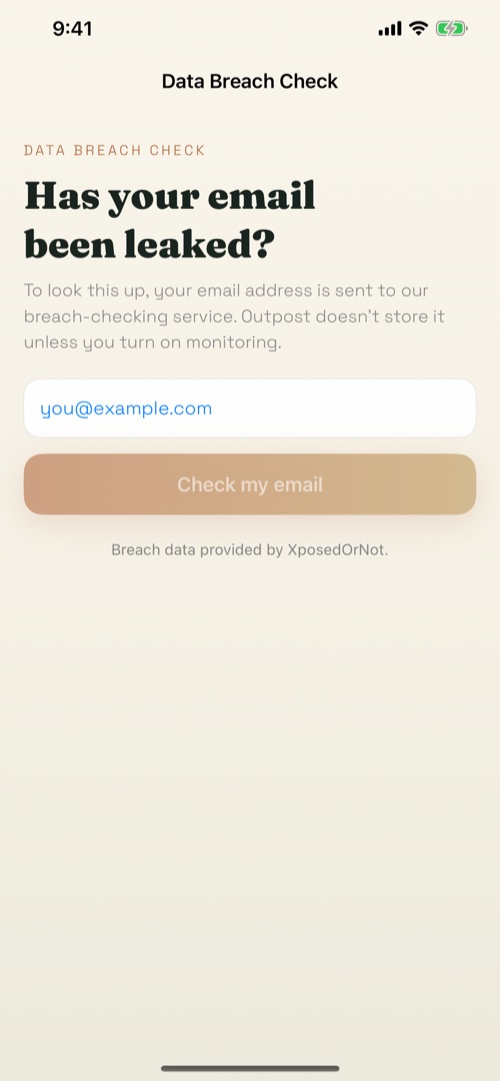
- Data-breach monitoring for your email
- Guardian family sharing & background alerts
- Encrypted filtering DNS + CVE checks
Questions
What does Outpost actually do?
Two things: it screens the scams coming at you (junk-text filtering plus on-demand checks of texts, screenshots, and voicemails), and it watches your home network (finds every device on your Wi-Fi, scores your security, and flags what's exposed).
Does my network data leave my phone?
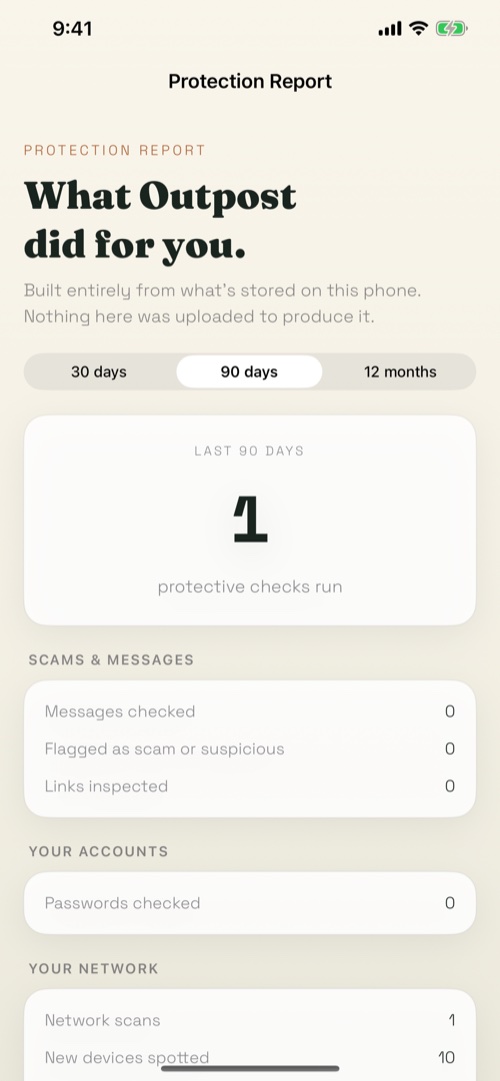
No. Discovering devices, identifying them, scoring risk, storing history, and alerts are all entirely on-device and never touch the internet. A few features (a scam check, a link or breach lookup, a speed test) do reach out — each is opt-in and never sends your device list.
Do I need an account?
No account, ever. There's no cloud copy of your network, no analytics, no ad tracking, and nothing is sold. See Settings → What leaves this iPhone in the app for the per-feature detail.
What's free versus Pro?
Network scanning, device identification, the security score, junk-text filtering, link and password-leak checks, and the speed test are all free. Pro adds deep scam analysis, call blocking, breach monitoring, Guardian sharing, encrypted filtering DNS, CVE checks, and background monitoring.
How do subscriptions work?
Outpost Pro is billed through your Apple account; manage or cancel anytime in Settings → your name → Subscriptions.
Ready enough?
Download Outpost
Screen suspicious texts, check odd links, and see what's on your Wi-Fi from one private iPhone app.
Download on theApp Store